Get Detailed, Reliable, and Editable CAD Conversion Files
Get fast, accurate PDF to CAD conversion services. Transform PDFs to DWG AutoCAD to boost your project efficiency. Request a quote now!
Our Services

PDF to DWG Conversion
Raster to Vector | Manual Redrafting | Multi-sheet PDF to DWG | Architectural, MEP PDF to DWG | As-built PDF to DWG | Hand-sketched PDF to CAD Drawing

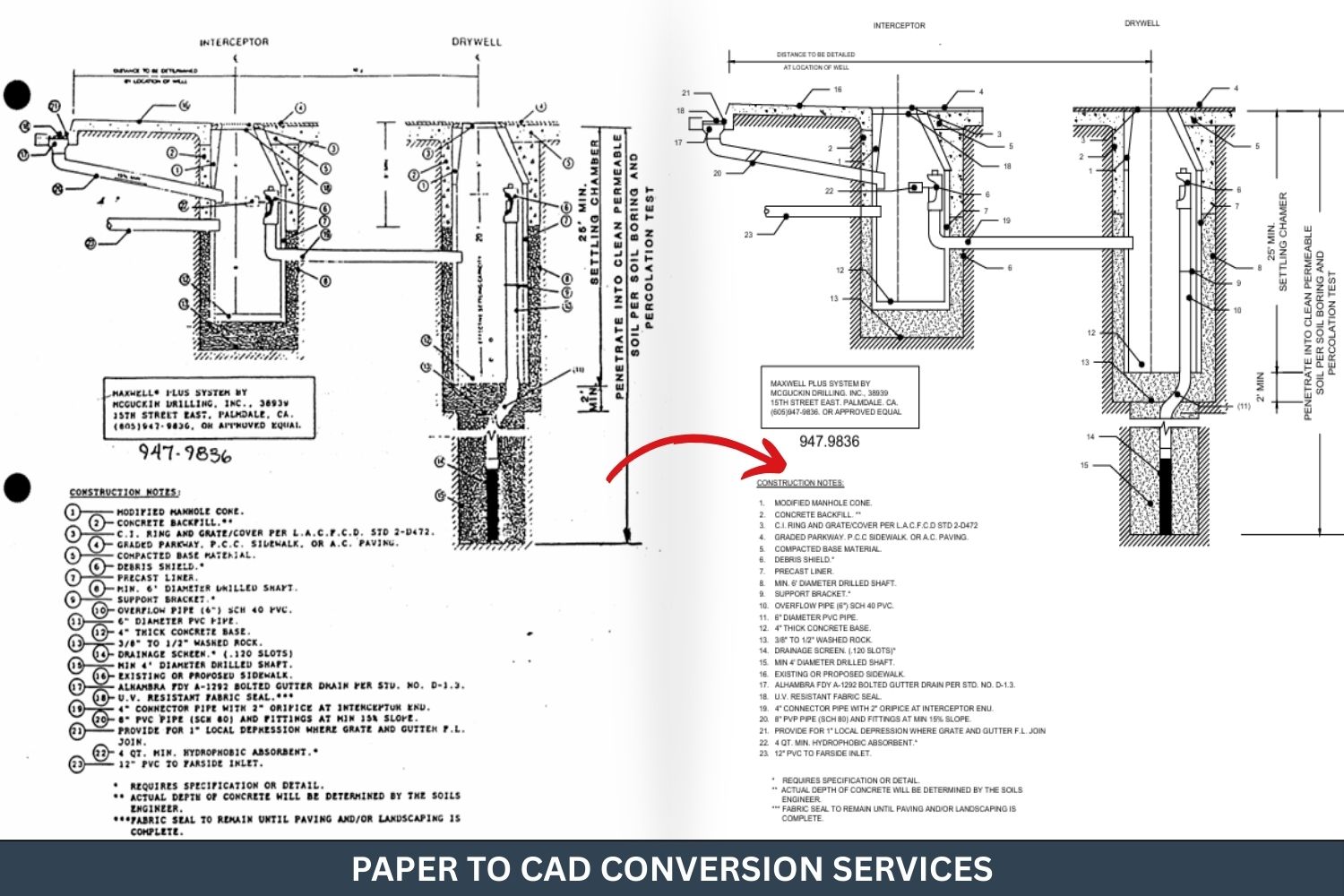
Paper to CAD Conversion
Hand-Drawn Paper to CAD | Blueprint to CAD | Multi-Page Paper to AutoCAD | Land Surveys to AutoCAD | Topographical Sketches to DWG
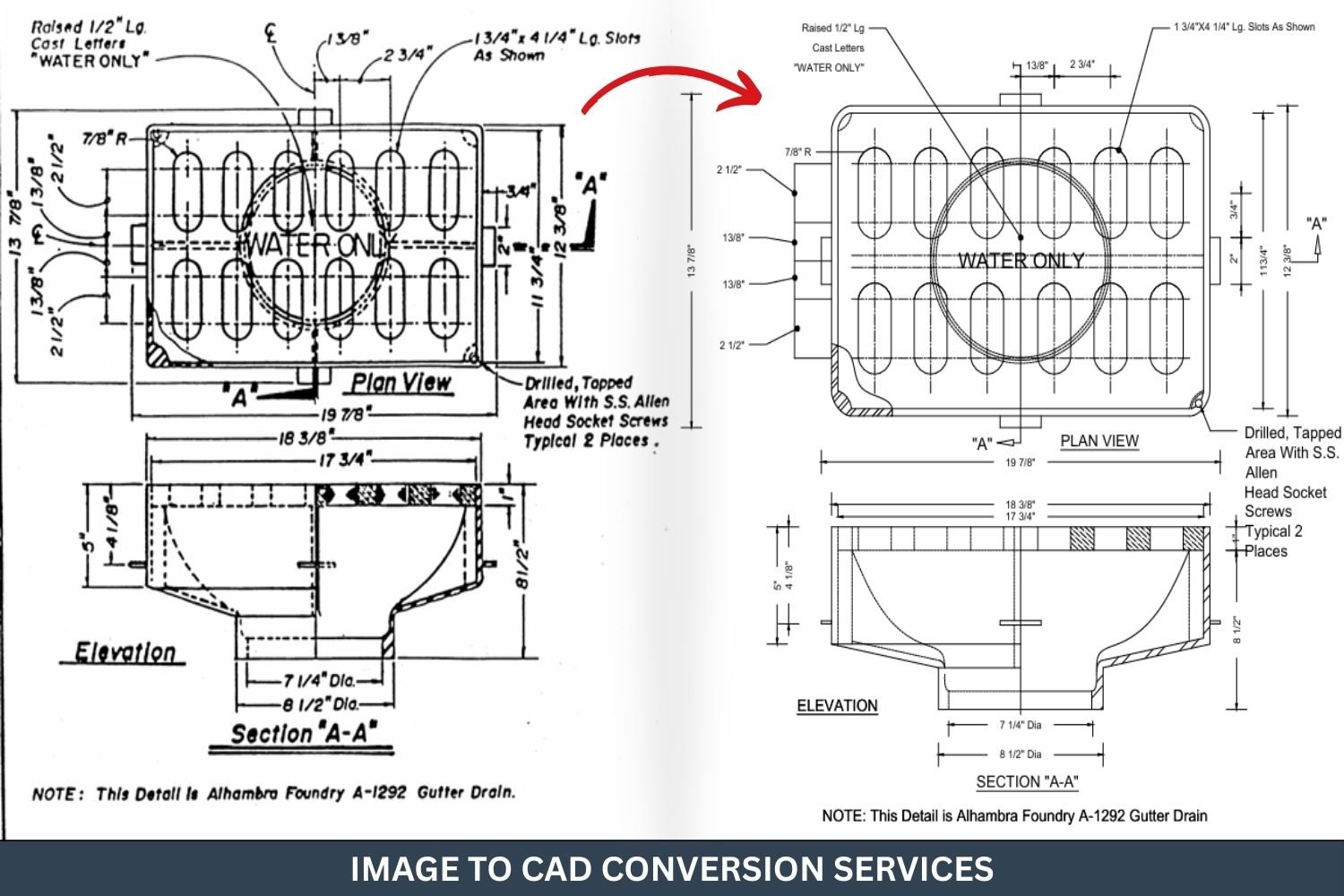
Image to CAD Conversion
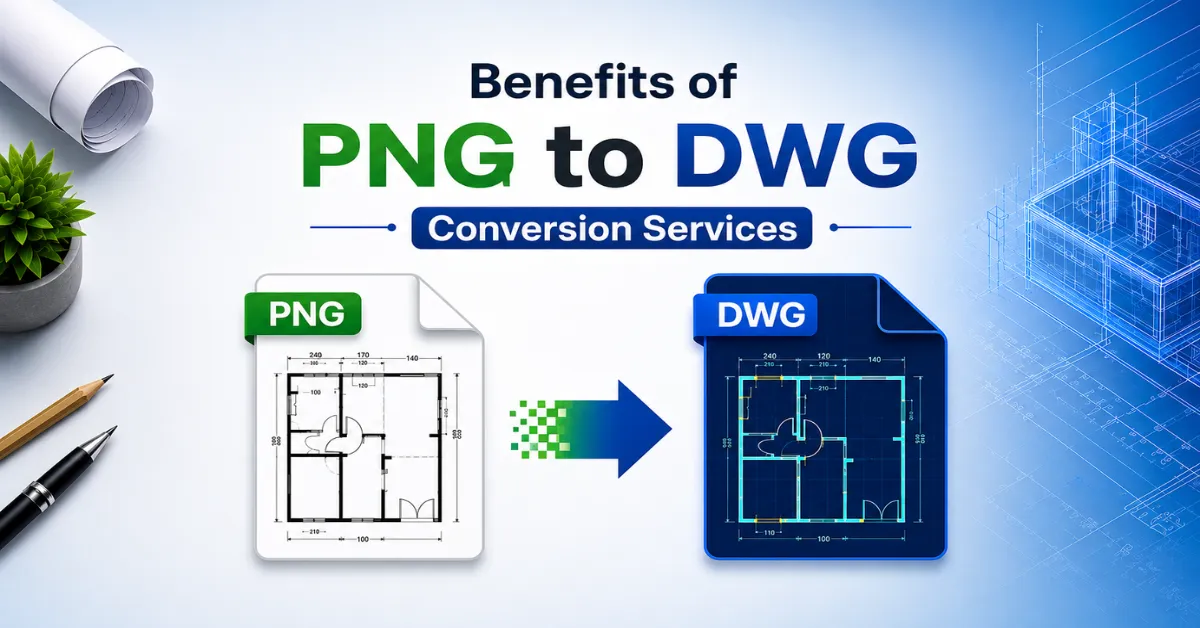
JPG to CAD DWG | PNG to DWG CAD | TIFF to CAD | BMP to CAD | Scan Image to CAD | Hand-Sketched Image to CAD
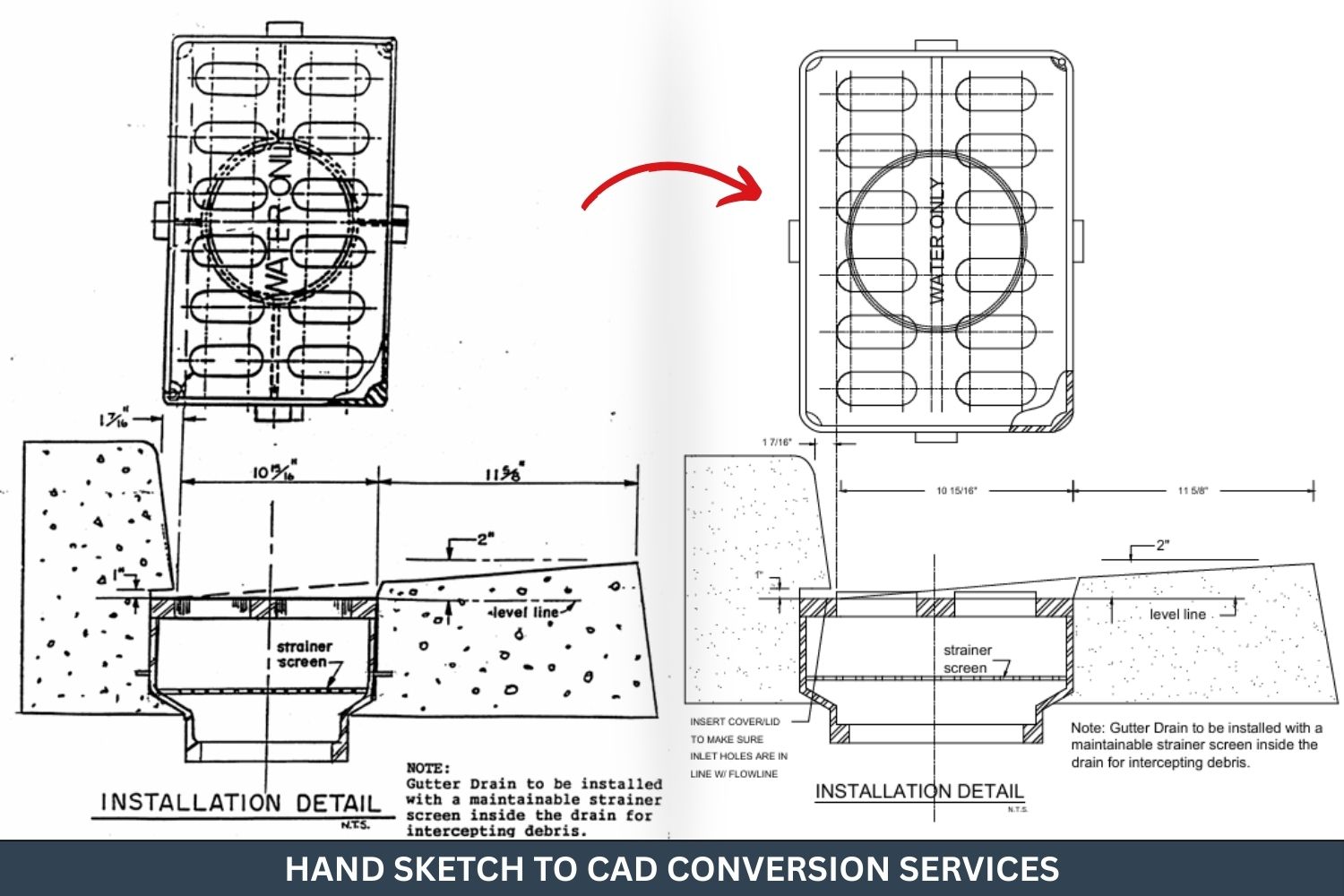
Sketch to CAD Conversion
Floor Plan Sketch to CAD | MEP Sketch to CAD | Structural Sketch to CAD | Landscape Sketch to DWG | Interior Design Sketch to CAD
Industries/Sectors We Serve
Architectural
Engineering
Construction Companies
Surveying
BIM Firms
Structural Engineering
Mechanical Engineering
HVAC Engineering
Electrical Engineering
Plumbing
Fire Protection
Telecommunication
Facility Management
Manufacturing
Real State
Residential
Commercial
Healthcare
Hospitality
Entertainment
Our Software Expertise
Our Recent Projects

PDF to CAD of City of Palmdale Drywell and Gutter Drain Plans
PDF to CAD conversion of City of Palmdale drywell and gutter drain plans, delivered accurately and fast for clean, editable engineering drawings.

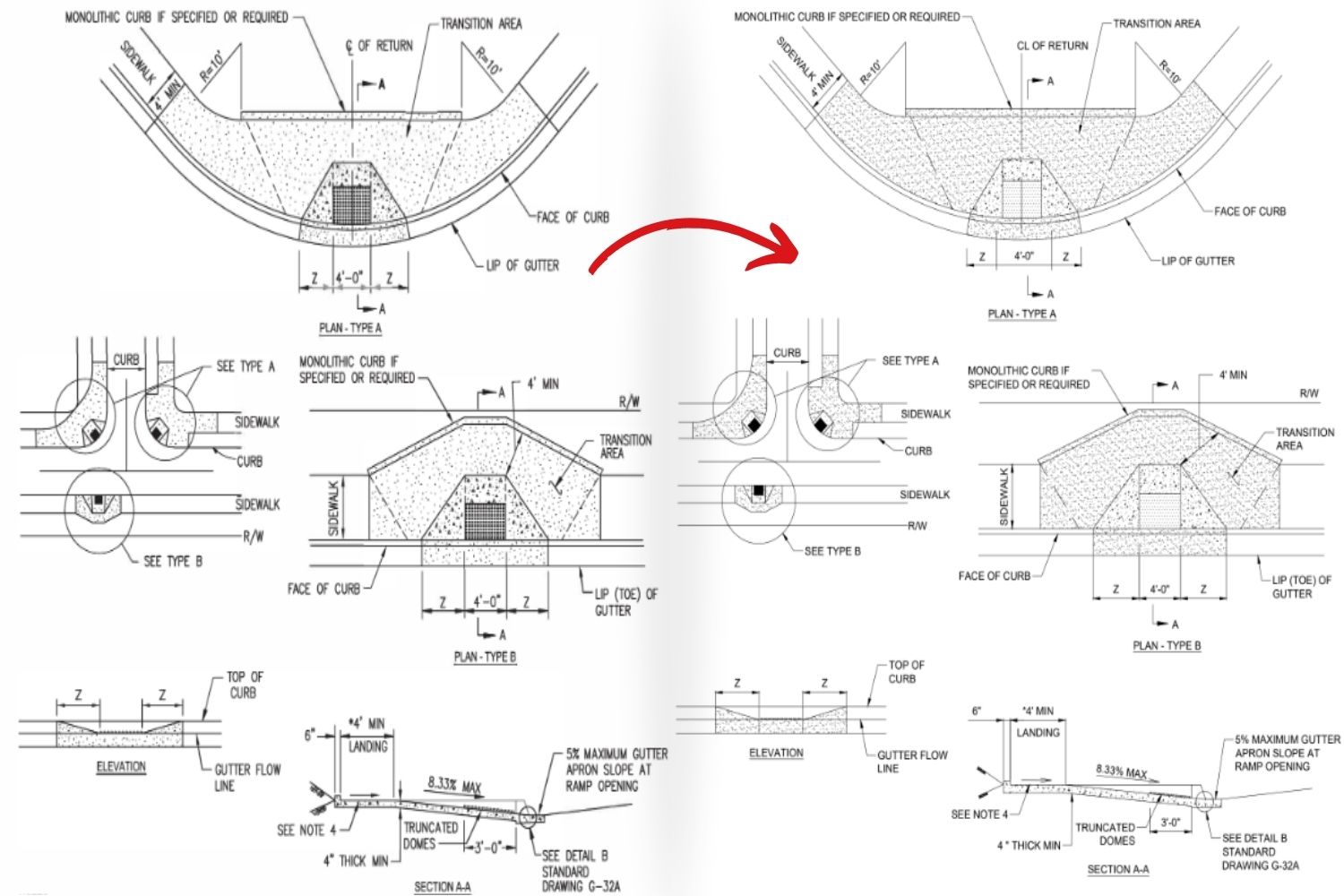
Sidewalk Design Standards PDF into Fully Editable CAD Drawings
We have converted sidewalk design standards from PDF to a precise, fully editable CAD drawing within hours. Fast, accurate, and ready for engineering use.

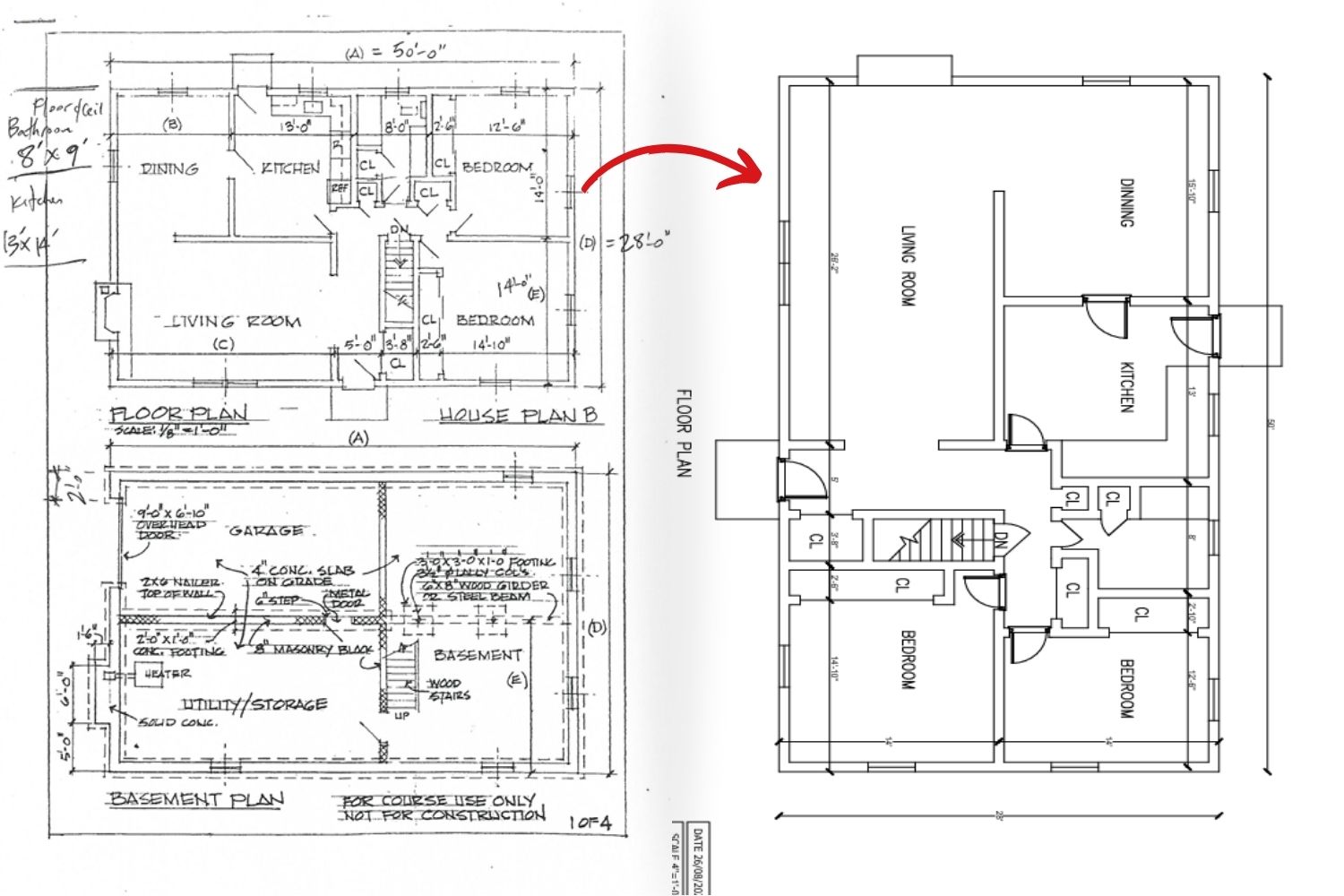
PDF to CAD of Floor Plan, Basement Plan, and Building Elevations
PDF to CAD conversion of floor plan, basement plan, and building elevations delivered with high accuracy and fast turnaround for seamless architectural use.
Our PDF to CAD Conversion Process
File Collection
We collect PDF drawings from the Client and confirm project requirements before starting work.
Review & Analysis
Our team reviews drawings to understand scales, layers, and conversion needs.
Layer Setup
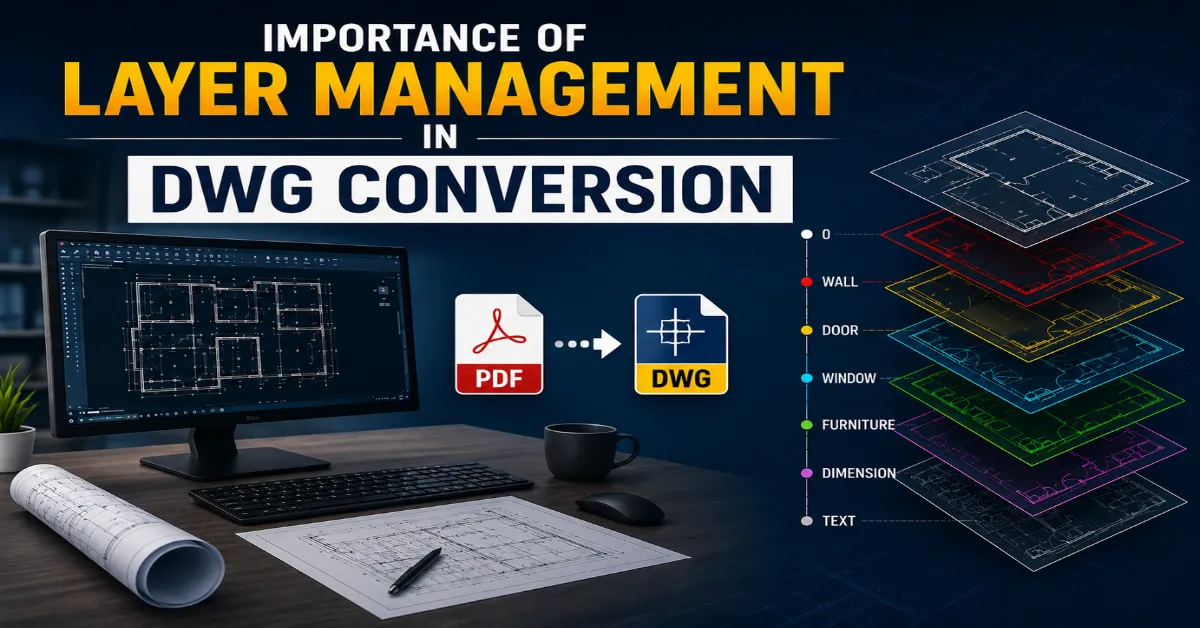
We create structured CAD layers to ensure clarity and maintain drawing standards.
Precise Drafting
Our skilled drafters convert PDFs into accurate, editable AutoCAD files efficiently.
Quality Check & Revisions
Every CAD file is verified for precision, dimensions, and consistency before delivery.
Final Delivery to Client
The final DWG files are shared securely with clients in their preferred format.
Why Choose Us for PDF to CAD Conversion
Experienced Team
Skilled drafters with expertise in complex conversions.
High Accuracy
We deliver precise and detailed CAD drawings from PDFs.
Quick Turnaround
Fast and reliable delivery without compromising quality.
Quality Assurance
Every drawing passes a strict quality check process.
Secure File Handling
Your project files are handled safely and confidentially.
Affordable Pricing
Competitive rates with excellent service value.
Client Testimonials
Frequently Asked Questions from Clients
Why should I outsource PDF to CAD conversion instead of doing it in-house?
Outsourcing saves time, avoids re-drawing from scratch, ensures professional CAD standards, and allows you to focus on design while experts handle conversion.
How long does PDF to CAD conversion take?
Turnaround depends on file complexity, size and format, but many services aim for quick delivery by skilled CAD drafters using latest tools.
What file format will you provide as output for PDF to CAD conversion?
Typical output formats include .DWG, .DXF and sometimes.DGN or other CAD-compatible formats, depending on your workflow and software ecosystem.
Can you convert scanned or image-based PDFs into editable CAD drawings?
Yes, many services handle raster or image-based PDFs and convert them into vector-based CAD drawings with layers, editable text, and clean geometry.
How do you handle layering, text and dimensions in conversion?
We reconstruct layers (text, hidden lines, components), convert text to an editable format, preserve dimensions, and make sure geometry is clean and aligned for seamless CAD editing and collaboration.
Can you work with legacy drawings where original CAD files are lost?
Absolutely. If you only have PDF drawings (even older prints), we convert them into editable CAD formats so you can update, modify, or re-use those drawings for new phases or retrofits.
What quality assurance and accuracy checks do you perform?
We conduct manual QA and auditing on the converted file: checking scale, alignment, layer integrity, text readability, and geometry accuracy to ensure your CAD file meets professional standards.
Can you customise the output to our CAD standards (naming, units, layering)?
Yes, you can provide your own CAD standards (unit system, layering convention, block names), and we will ensure the converted file adheres to your protocols and integrates smoothly into your workflow.
Do you convert mechanical PDF drawings (e.g., machine parts, shop drawings) into CAD?
Absolutely, mechanical PDFs, including machine parts, fabrication layouts, and assemblies, can be converted into editable CAD files so you can continue manufacturing or redesign.
Can I specify my company’s CAD standard (units, layer names, blocks) before conversion?
Yes, you provide your CAD standards, and we will convert the PDF so the output file adheres to your naming conventions, unit system, and layering protocol.
Can you handle MEP PDF drawings (HVAC, plumbing, electrical) in the conversion to CAD?
Yes, we convert MEP PDFs (HVAC layouts, piping diagrams, electrical schematics) into editable CAD files so you can integrate them into design, coordination, or as-built workflows.
What file format do MEP clients typically receive after conversion?
MEP clients usually get DWG (for AutoCAD) or DXF, but if your team uses other software, we can provide compatible export formats on request.
How do you handle very large PDF sets (50+ sheets) for conversion to CAD?
We set up a structured workflow, batch convert, track progress sheet-by-sheet, maintain file naming conventions, and provide efficient delivery even for large sets.
How can I get started with a PDF to CAD conversion project?
Simply contact us with your PDF files, specify the required output format, CAD standards, unit system, and deadline. We will provide a quote, sample, and turnaround estimate.
Latest Blogs

Common Errors in PDF to CAD and How to Avoid Them
Common Errors in PDF to CAD and how to avoid them with simple tips, accurate methods, and clean workflows for error-free CAD conversions.
Connect With Our Experts
Get expert consultation from our professionals to discuss your PDF to CAD Conversion project. We are here to assist you with all your questions and project requirements.
Contact Info
- info@pdftocad.com
- +91 92653 36760 (Only WhatsApp)